
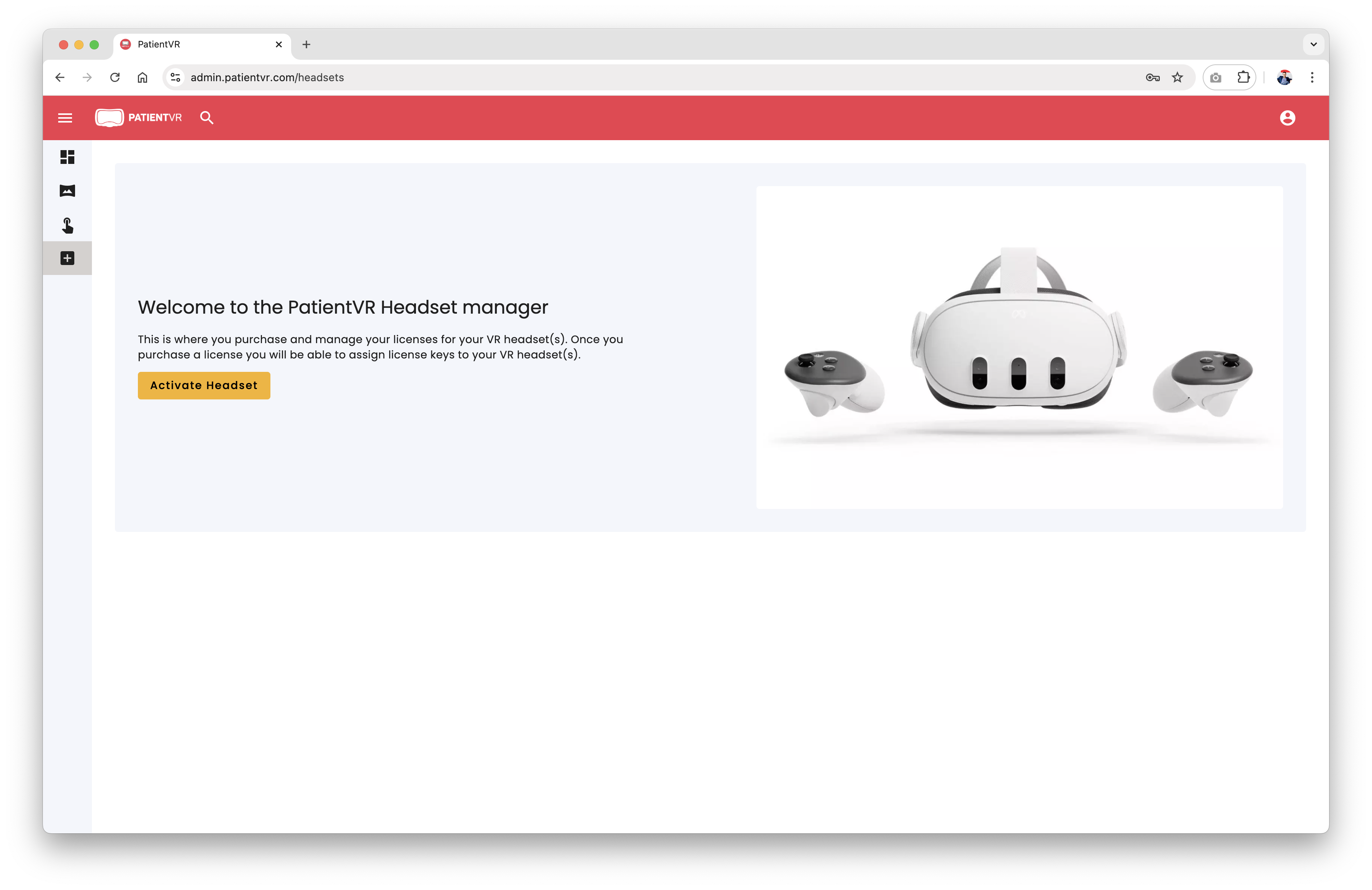
These are some simple to follow steps on How to sign up to PatientVR.
PatientVR lets you sign up for a corporate account such as a hospital admin for example. You are then able to manage multiple VR headsets from the same account. This means that you have one master admin access to manage all license keys for the VR headsets in your facility. You are then able to download the “PatientVR” app from the MetaQuest Horizon app store and insert the license key ie. activation code on the VR app to use the app on the headset.
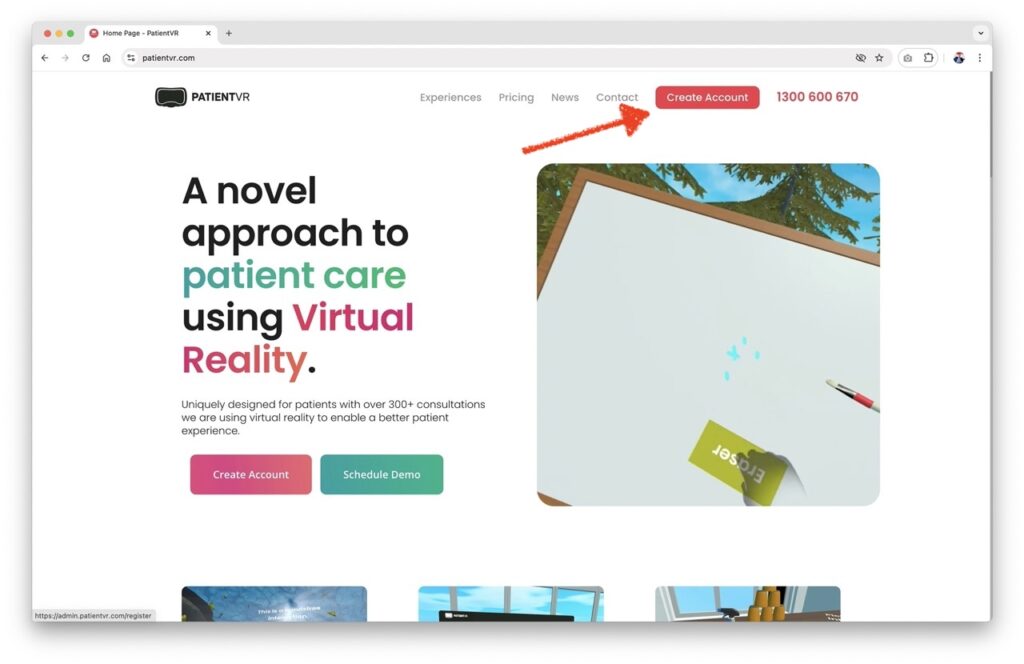
STEP 1:Go to PatientVR website and create an account.
LINK: https://admin.patientvr.com/register
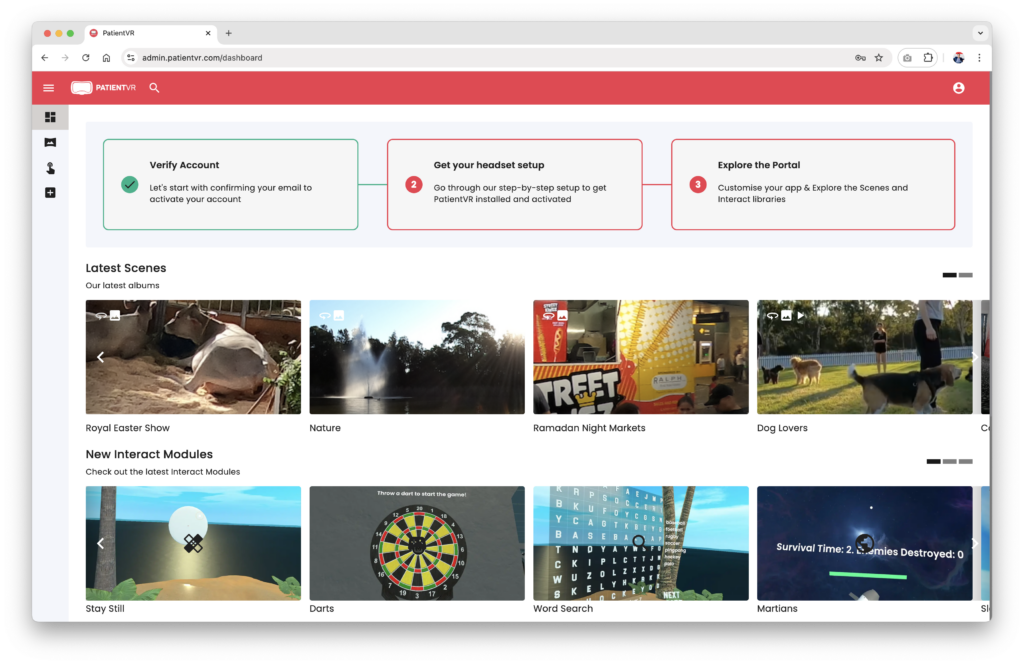
STEP 2: VERIFY YOUR ACCOUNT
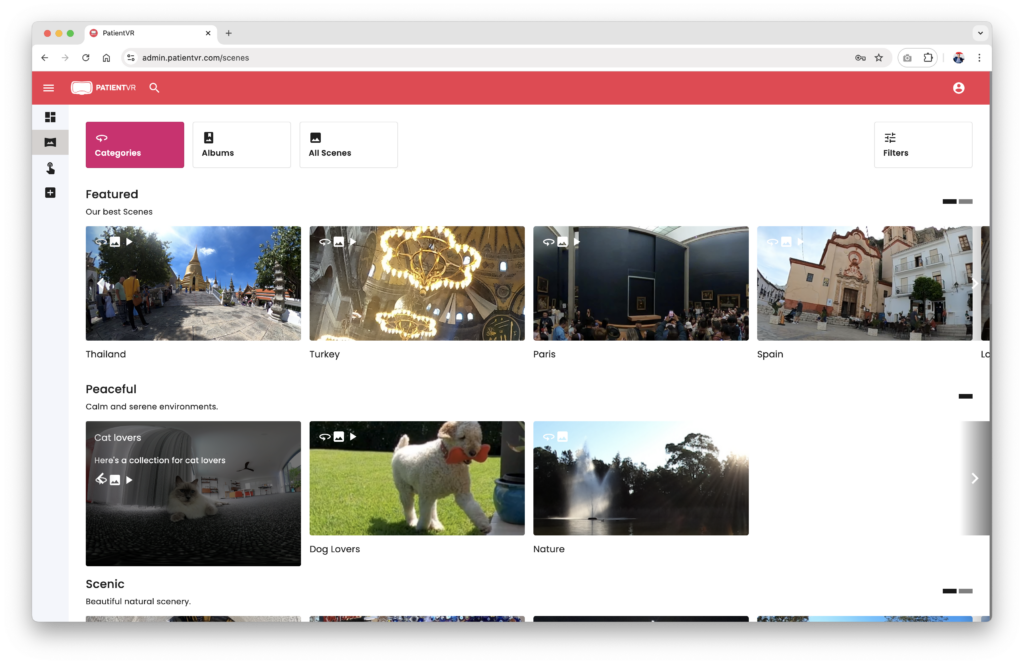
STEP 3: PURCHASE AND ACTIVATE VR HEADSET OR JUST ACTIVATE YOUR OWN HEADSET
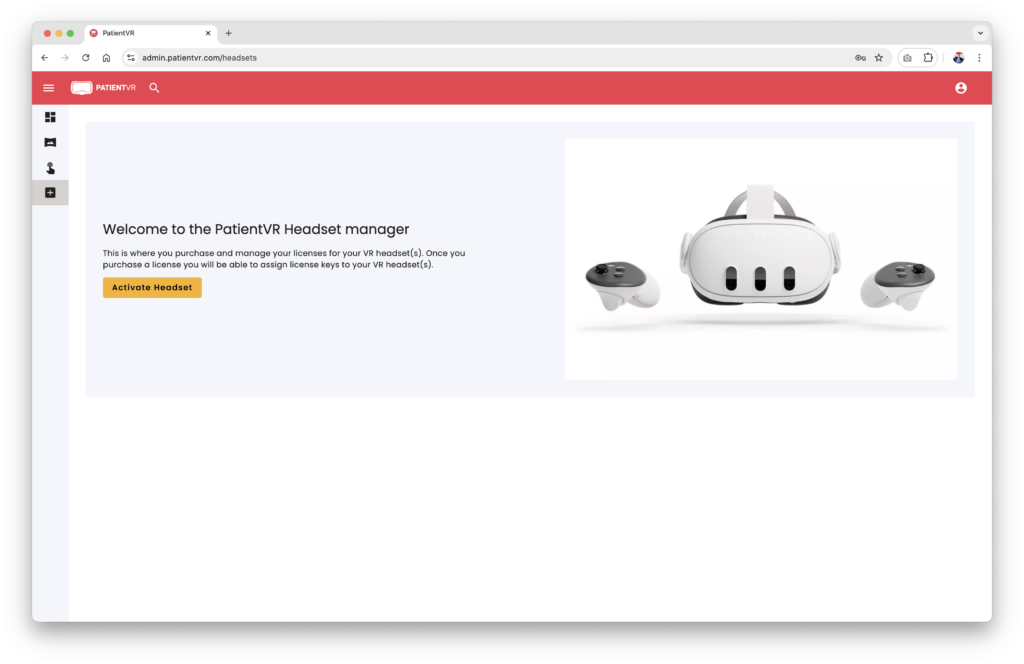
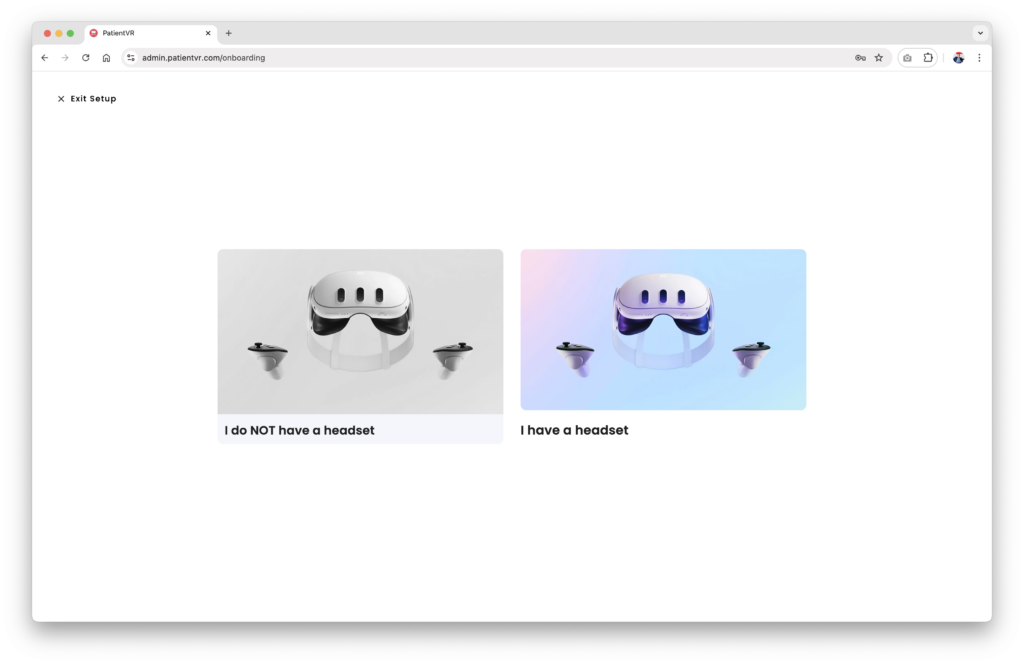
Follow these simple steps to activate and manage your headsets. Note that there is no registration required on the actual headset itself. You need to insert the activation code once you get the app onto the VR headset.